What the software does
Permit creation and approval
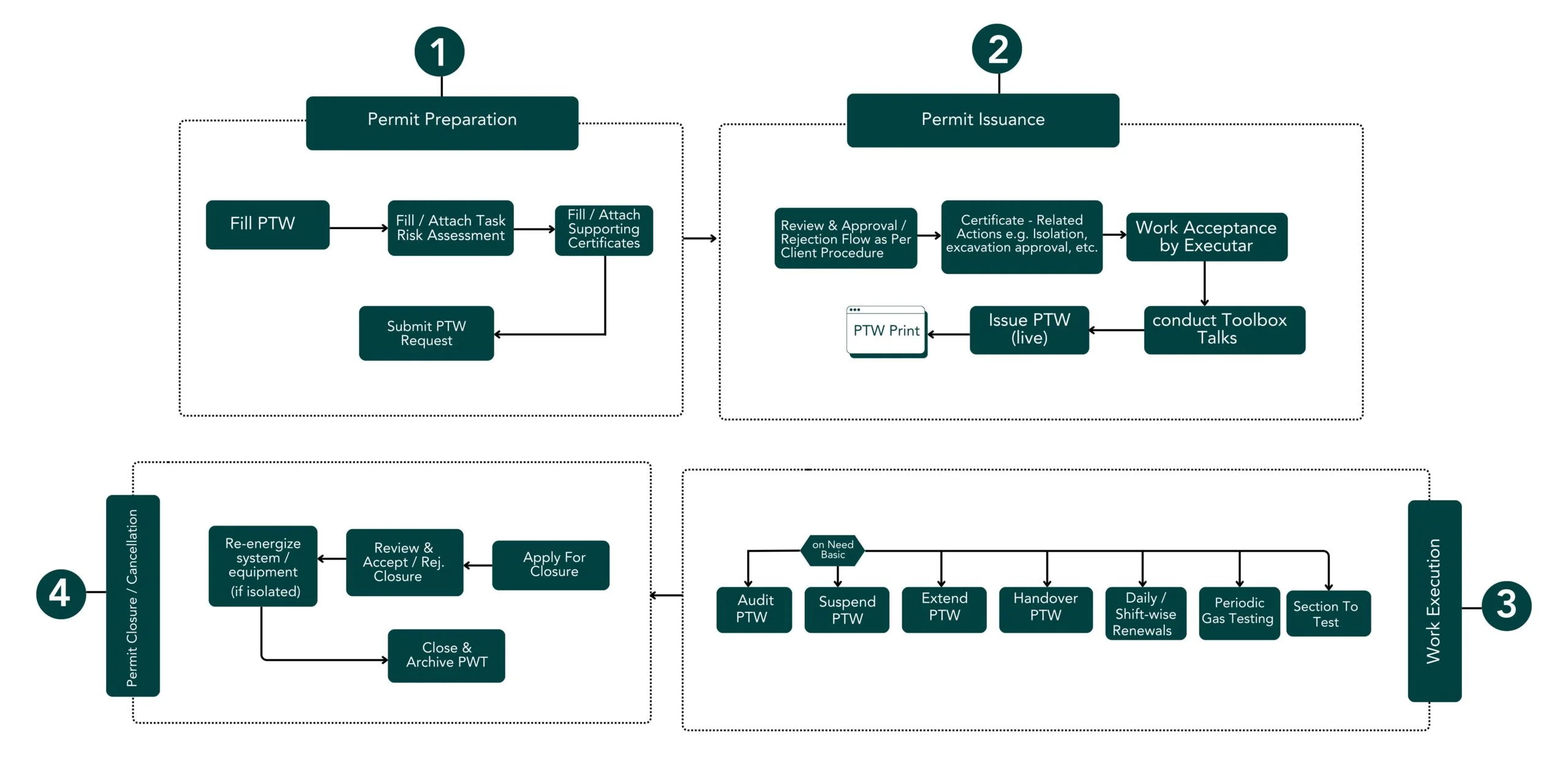
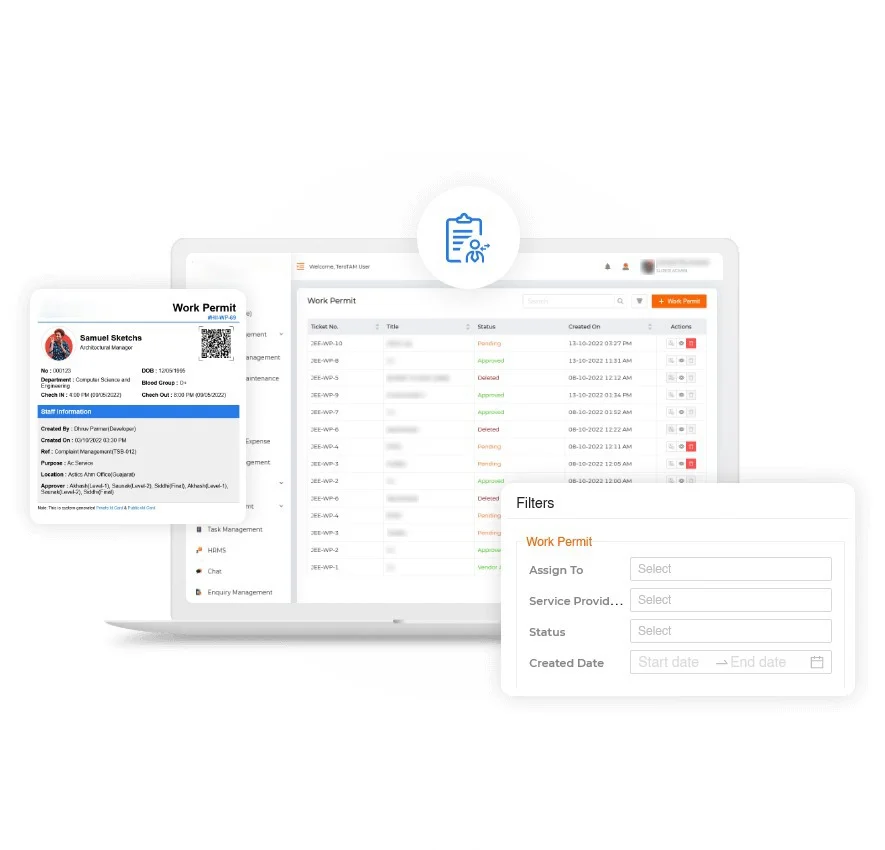
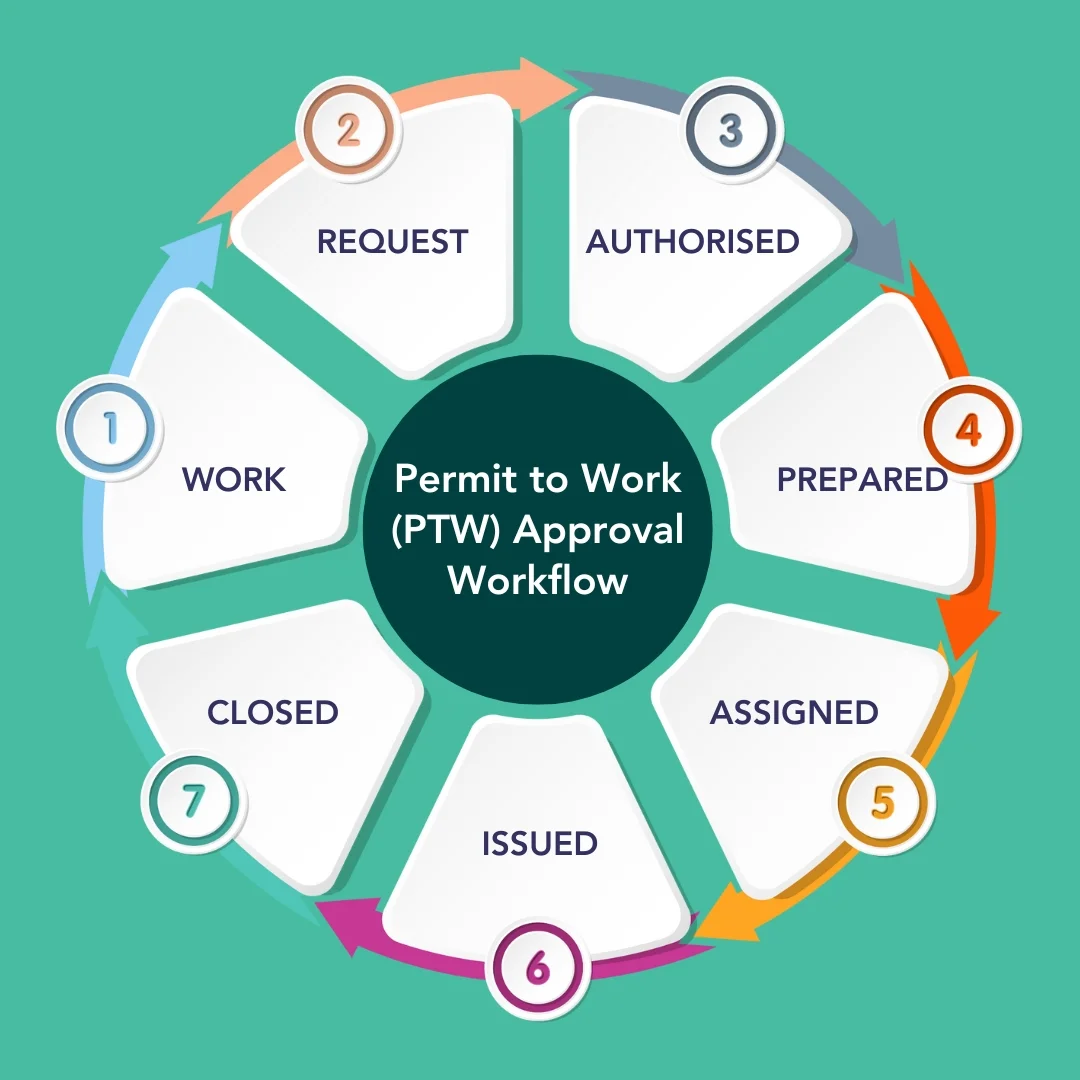
Requesters raise permits on a tablet or computer. The system applies the right form, checklist and approval chain for each permit type, and approvers sign digitally.
Permit types
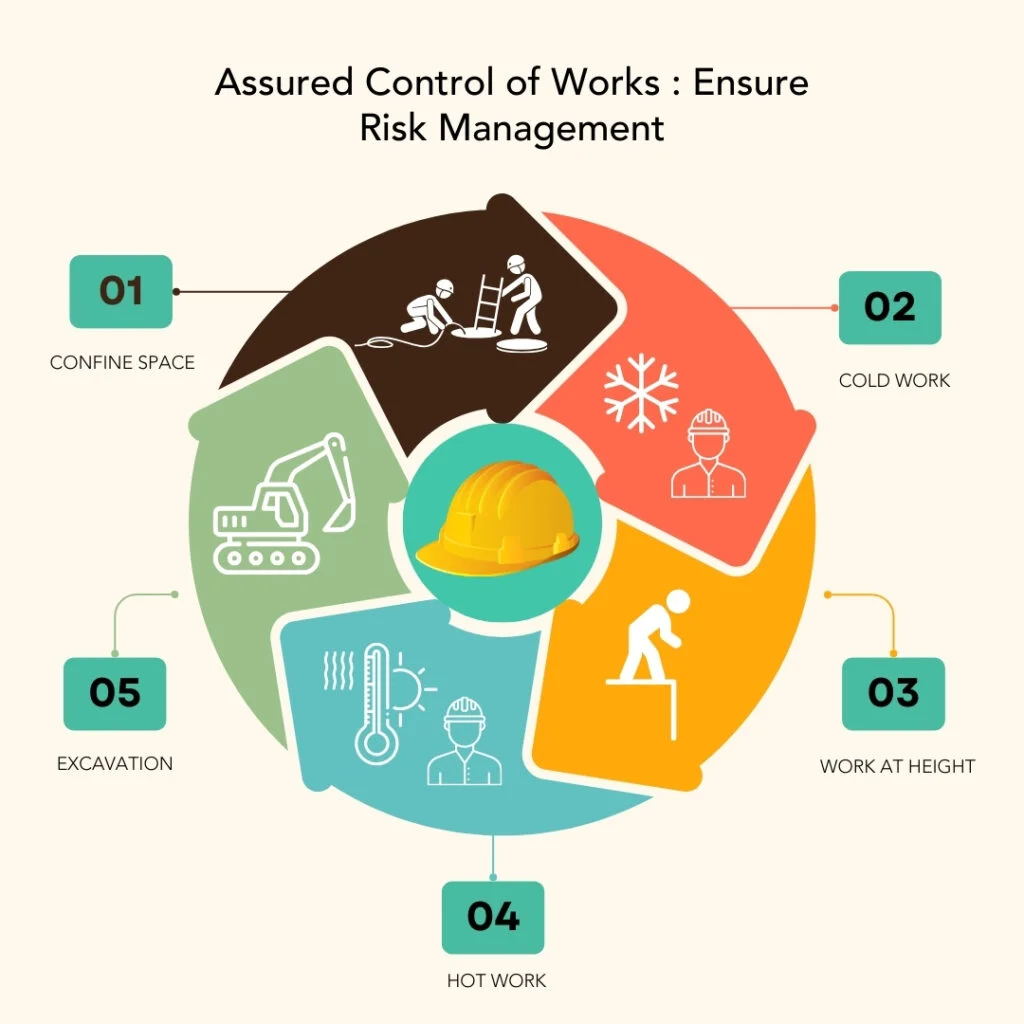
Hot work, cold work, confined space, electrical, excavation, work at height, radiography, diving and any custom types your procedures define.
Risk assessment and job safety analysis
Hazards, controls and risk matrices are captured as part of each permit, using your own templates.
Isolation management
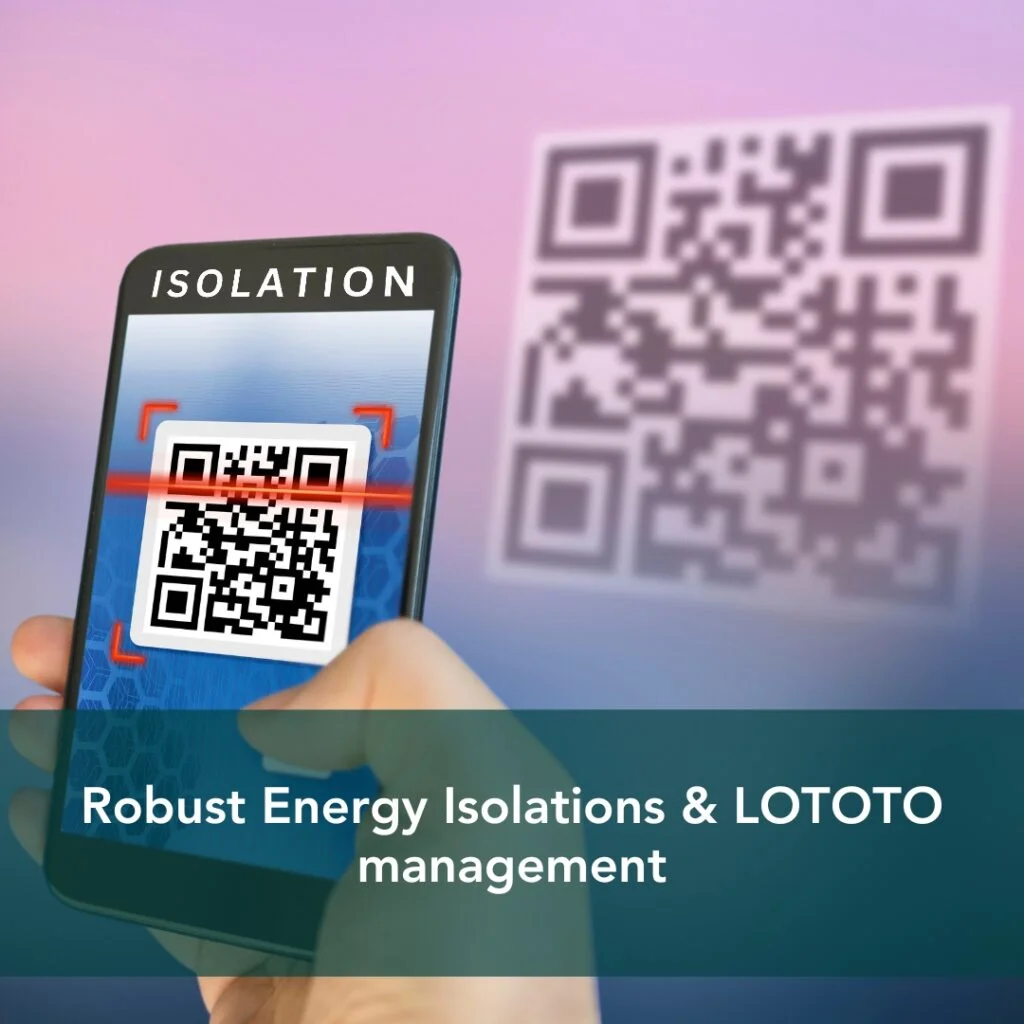
Electrical, mechanical and process isolations are recorded, linked to permits and tracked through lock-out tag-out, so no permit is closed while isolations are still in place, and no isolation is removed while work is ongoing.
Conflict checking
The system warns when two permits in the same area could interact, for example hot work near a gas-freeing operation.
Simultaneous operations view
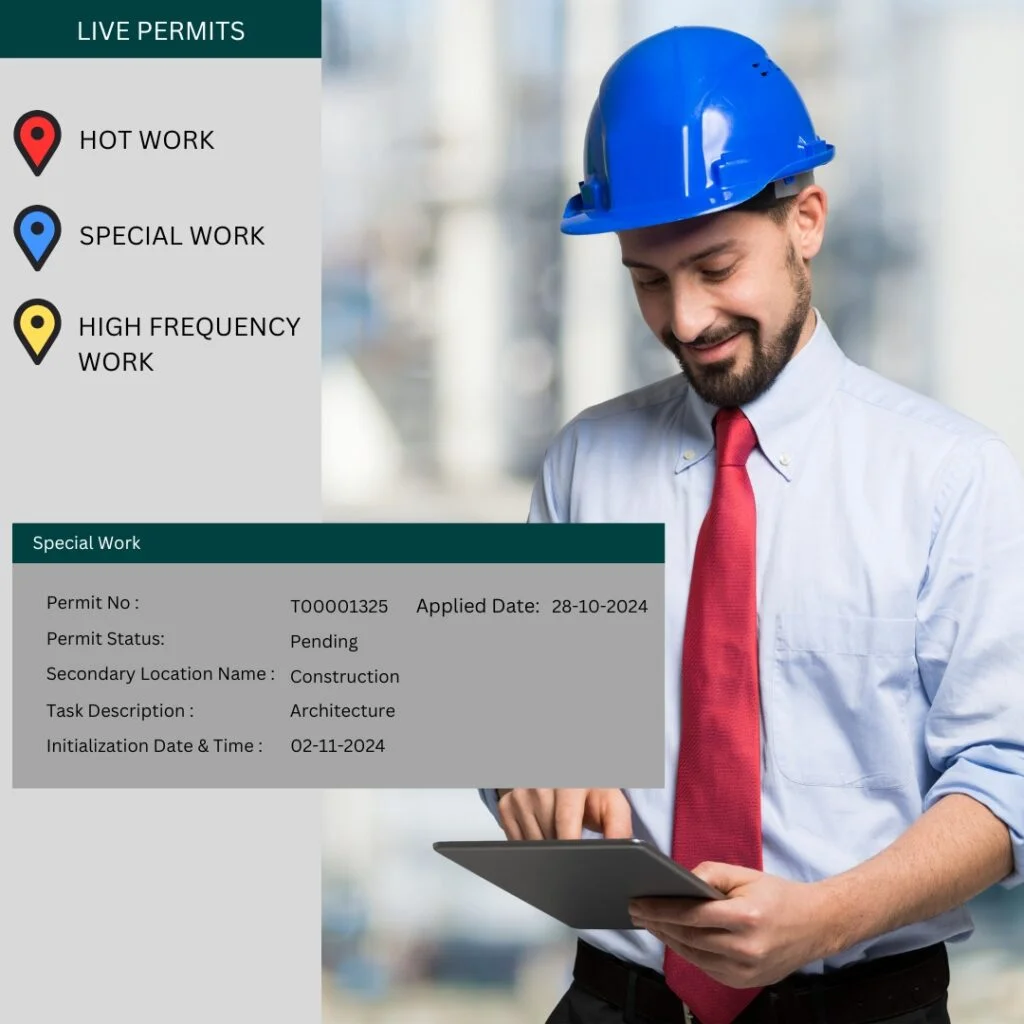
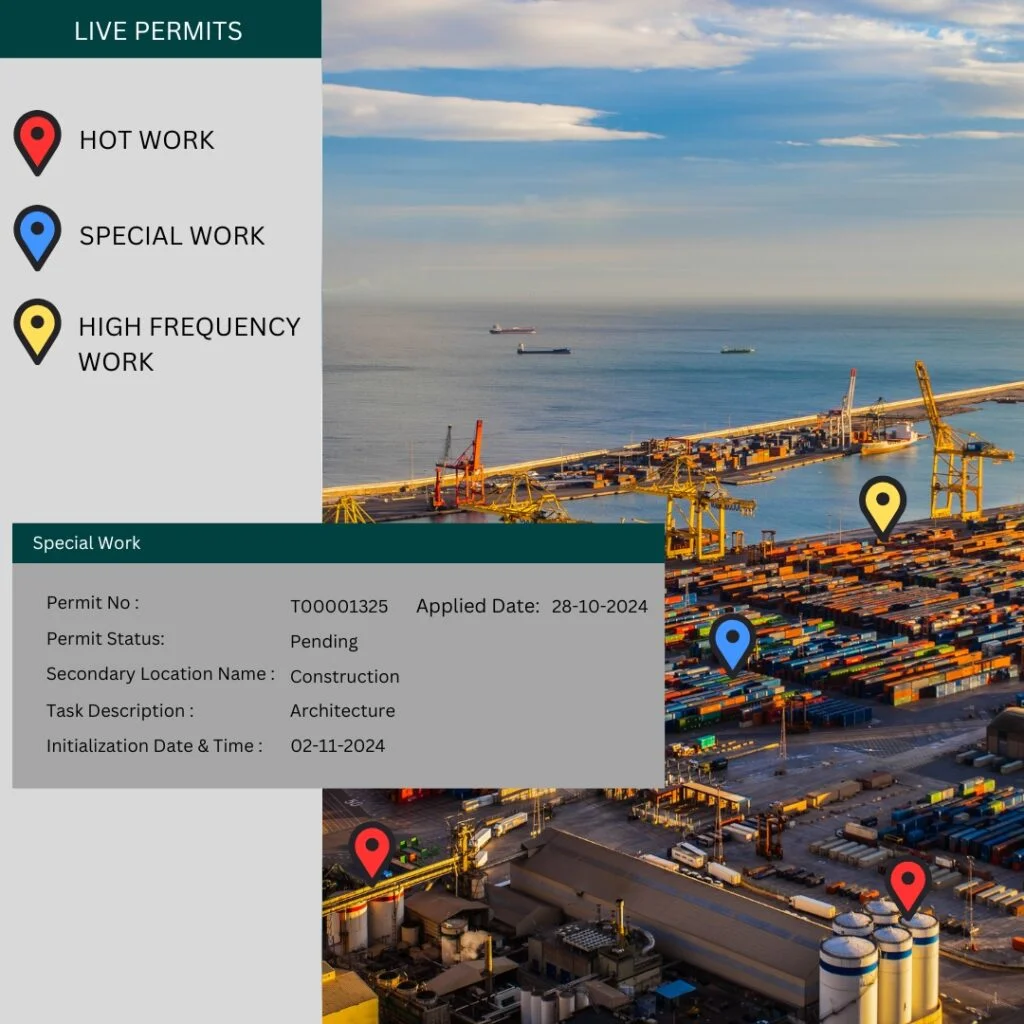
A live map or list shows every active permit by area, so control room operators and supervisors know exactly what work is underway.
Gas testing and checks
Gas test results and periodic checks are recorded against the permit with time stamps.
Close-out and handover
Permits are suspended, transferred between shifts and closed with confirmation that the area is safe.
Audits and reports
Every action is logged with who, what and when. Reports show permits by type, area and contractor, overdue permits and audit findings.
Linking permits to people and access
Permits are only as good as the people working under them. The software can check that workers named on a permit have valid training and certificates, and it can connect to access control and contractor control, so only authorised workers can enter the work area while the permit is active.
Configurable to your procedures
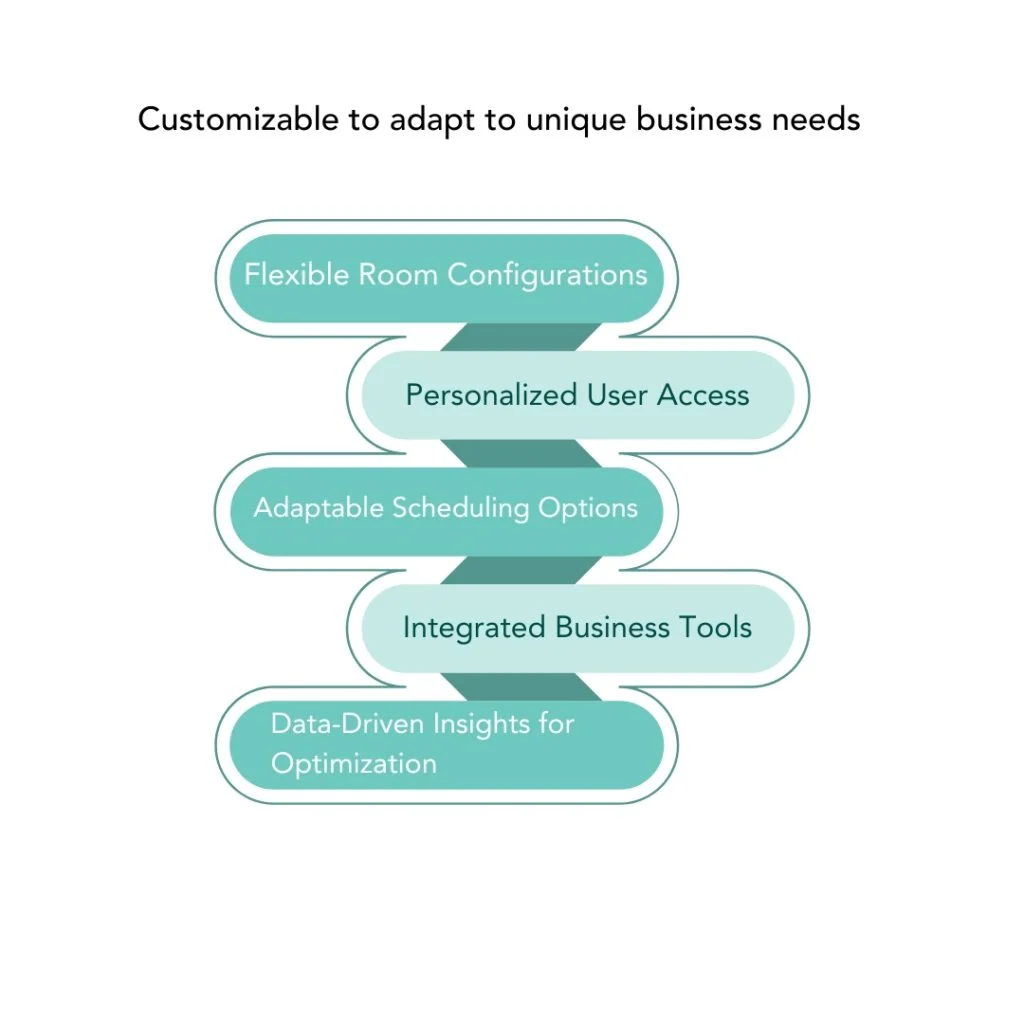
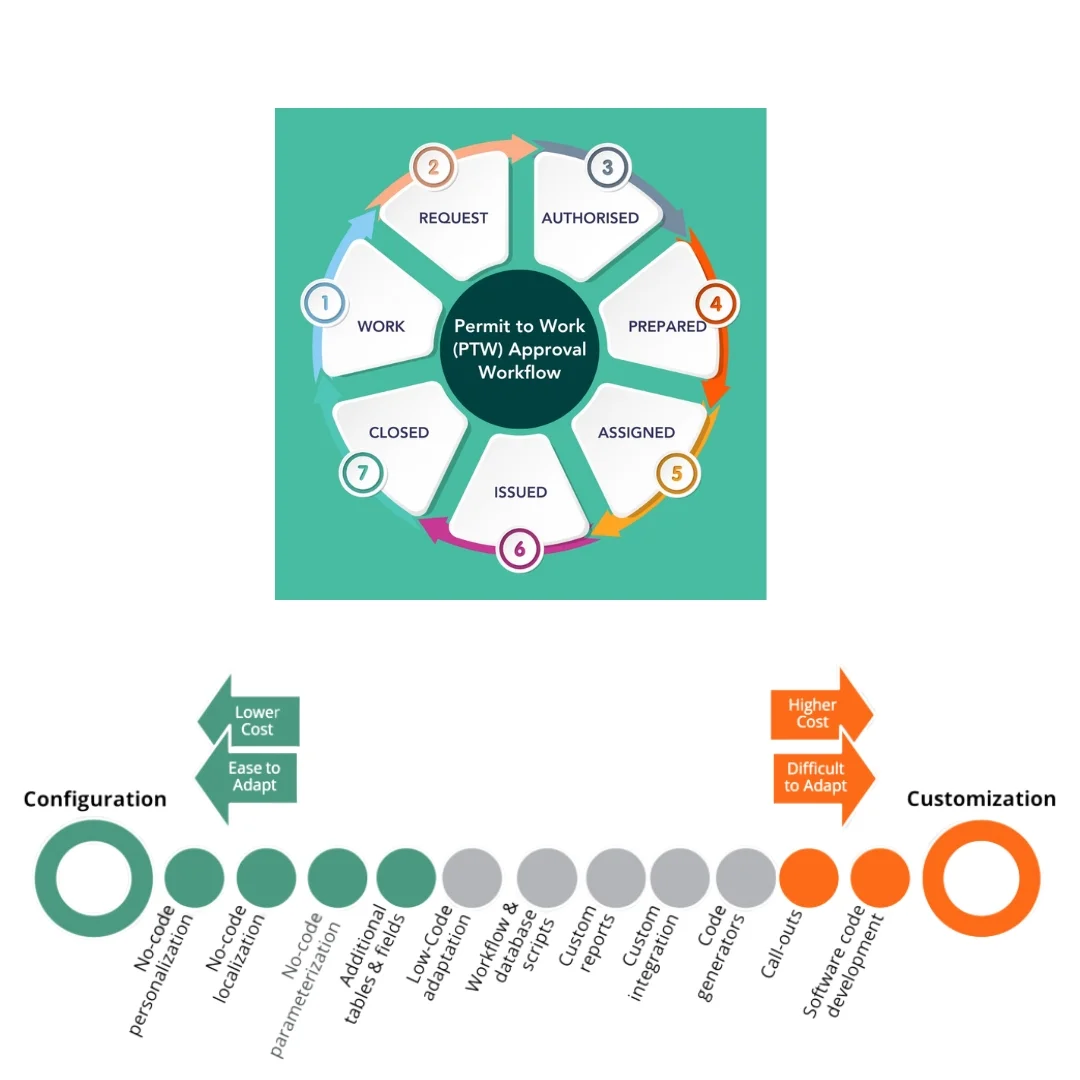
Every company’s permit procedures are different. The software can be configured with your own forms, fields, labels, checklists, risk matrices and approval hierarchies, so it follows your safety management system rather than forcing you to change it.
Integration
- ERP and maintenance systems such as SAP and Oracle, so work orders create permits automatically
- Active Directory and single sign-on for secure user access
- Email and mobile notifications for approvals and alerts
- Document management for procedures and drawings
Works on site
Tablets and rugged devices can be used in the field, including intrinsically safe devices for hazardous areas where required. The app can work offline in areas with poor coverage and synchronise when back in range.
Benefits
- Safer work: consistent risk assessment and approval for every job
- Fewer delays: approvals routed instantly, not chased on paper
- Full visibility: live view of all permits and isolations
- Better audits: complete digital records
- Learning: data on permit types, delays and findings to improve procedures
Example scenario: a petrochemical plant shutdown
Picture a planned shutdown at a plant in the Eastern Province with hundreds of permits over several weeks and many contractors on site. With paper permits, the permit office becomes a bottleneck and isolation records are hard to reconcile. With ePTW, permits are prepared before the shutdown and linked to work orders, contractors’ training is checked automatically, conflicts between jobs in the same area are flagged, and the control room sees every active permit and isolation on screen. At the end of each shift, permits are handed over digitally.
Common problems with paper permits
Paper permit systems are familiar, but they hide risks:
- Lost or unreadable permits: handwriting, rain, dust and lost copies make records unreliable.
- No live picture: the control room cannot easily see every active permit and isolation on site.
- Missed conflicts: two teams can be working near each other on incompatible jobs without anyone noticing.
- Slow approvals: permit holders walk around the site to find signatories, delaying work.
- Weak audit trail: investigators cannot easily see who approved what, and when.
- No learning: data on delays, rejected permits and findings stays in filing cabinets.
Investigations into serious incidents at industrial sites around the world have often found failures in permit and isolation control. A digital system does not replace good procedures and competent people, but it makes the right steps much harder to skip.
Roles in the digital workflow
| Role | What they do in the system |
|---|
| Permit requester | Raises the permit, describes the job, attaches drawings and risk assessment |
| Area authority | Reviews the work area, sets precautions and approves |
| Isolation authority | Applies and confirms isolations, links them to the permit |
| Gas tester | Records gas test results at the required intervals |
| Permit holder | Accepts the permit, briefs the team and confirms completion |
| Control room | Sees all live permits and isolations, manages conflicts |
| HSE team | Audits permits, reviews trends and improves procedures |
Each role sees only the actions they are responsible for, and every signature is time stamped.
Contractor management
Contractors carry out much of the hazardous work on industrial sites. The software keeps a register of contractor companies and workers, with training records, certificates, medical fitness and site inductions. When a permit names a worker whose certificate has expired, the system flags it before approval. Contractor performance, such as permit rejections and audit findings, can be reviewed at the end of each job.
Rolling out ePTW without disrupting operations
- Review current procedures and decide which permit types to digitise first.
- Configure forms and workflows with your HSE team.
- Pilot on one area or unit, running alongside paper for a short period.
- Train users by role, including contractors.
- Expand site by site, with support on the ground during go-live.
- Review data after three months and refine procedures.
Data security and hosting
Permit records are critical safety data. The system can be hosted on your own servers or in a regional cloud, with role-based access, encryption, backups and integration with your identity systems. This suits organisations working under national cybersecurity requirements in Saudi Arabia, Qatar and Oman.
Dashboards and key indicators
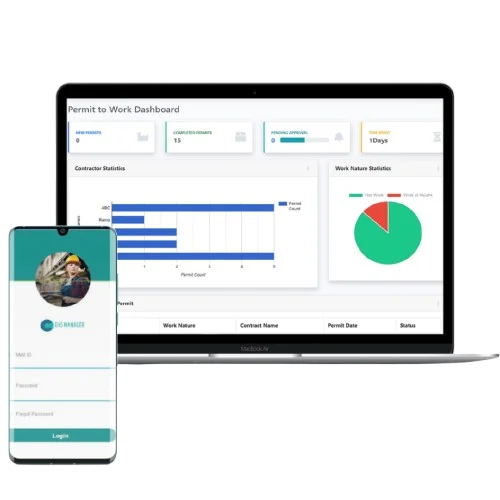
Dashboards show active permits by area and type, permits waiting for approval, average approval time, overdue close-outs, isolations still in place and audit findings. HSE managers can drill down from a site summary to an individual permit, and weekly reports can be emailed automatically to management.
What good looks like after go-live
Sites that adopt a digital permit system usually notice the difference within weeks. The control room knows exactly what work is live in every area at any moment. Approvers receive requests on their devices and can review the job, location and risk assessment before signing, rather than signing a paper form handed to them in a corridor. Shift handovers are cleaner because open permits and isolations are listed on screen. When an auditor or investigator asks for a permit from six months ago, it is found in seconds, complete with every signature and gas test.
Permit to work and site access together
On high-hazard sites, controlling who is allowed into an area is part of safe work. Linking permits to the site access control system means a worker can enter a restricted unit only when they are named on an active permit for that area, and their access ends when the permit is closed. In an emergency, the system shows who is inside each area and under which permit, which helps muster checks and rescue planning. This connection between safety software and physical security is one of the reasons operators work with Expedite IoT.